Task: Create a site for your research
On this page we will:
- Turn the template site into something related to your own work.
- Explore ideas for research project, group, or personal profile sites.
- Make at least one small change that you could build on later.
You have been working with the quarto-template site. On this page, you will start turning that template into a site that is about you and your work.
You can choose any focus that feels useful right now:
- A research project (past, current, or planned)
- A research group or lab
- Your personal research profile
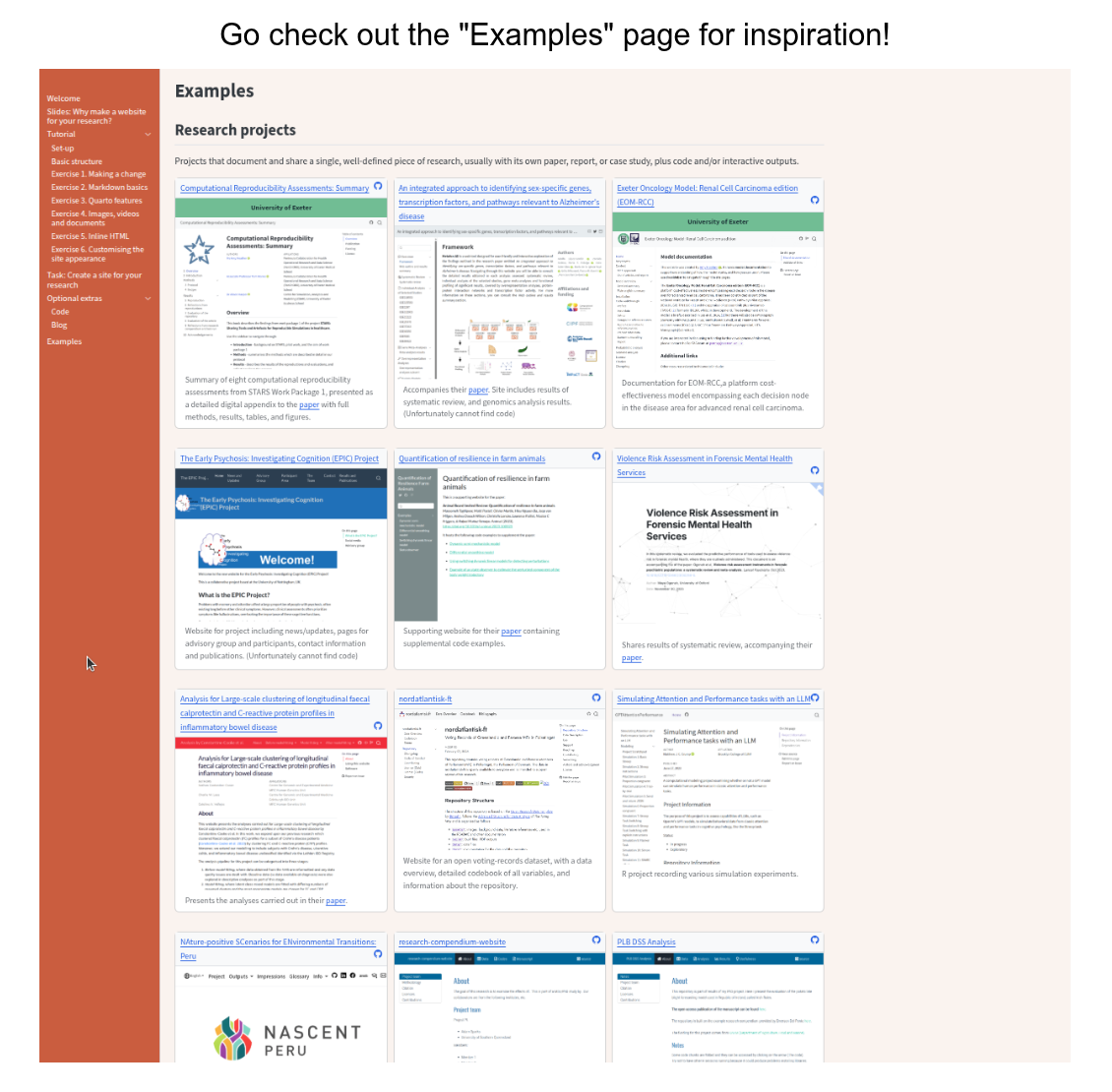
If you are not sure what you want yet, have a look at the Examples page in the site to see how other people use simple research websites.
You can also use one of the ideas below as a starting point.
1 Research project site
Use the site to tell the story of a specific project. Possible sections:
- Overview: A short, plain-language summary of the project and why it matters.
- Aims and questions: Bullet points for main research questions or objectives.
- Methods: A brief description of data, methods, or models.
- Team: Names, roles, and links to collaborators.
- Outputs: Links to papers, preprints, posters, talks, code, or datasets.
You might:
- Change the homepage text so it describes your project.
- Add a “Project” page that lists aims, methods, and a simple timeline.
2 Research group or lab site
Use the site as a simple research group or lab homepage. Possible sections:
- About the group: Focus areas, themes, or mission.
- People: Short profiles or a simple list of group members and roles.
- Projects: A few current or recent projects with one-line descriptions.
- Publications: Selected outputs or a link to a full list elsewhere.
- Contact / joining: How to get in touch or find out about opportunities.
You might:
- Rename existing pages to “People”, “Projects”, or “Publications”.
- Add one short paragraph for each person or project.
3 Personal research profile
Use the site as your own academic website. Possible sections:
- About / bio: Who you are, your role, and main research interests.
- Publications or outputs: Selected work you want people to find easily.
- Teaching / supervision: Courses, workshops, or student projects.
- Talks / blog / notes: Optional space for short posts or slides.
- Contact and links: Email, ORCID, GitHub, institutional profile.
You might:
- Turn the homepage into a short “About me” with a photo.
- Add a “Publications” or “Outputs” page with 5–10 key items.